How to Create a Monthly Budget (Step-by-Step Guide with Finolid)
Learn how to create a monthly budget step by step using Finolid. Track income, control expenses, and build better financial habits.
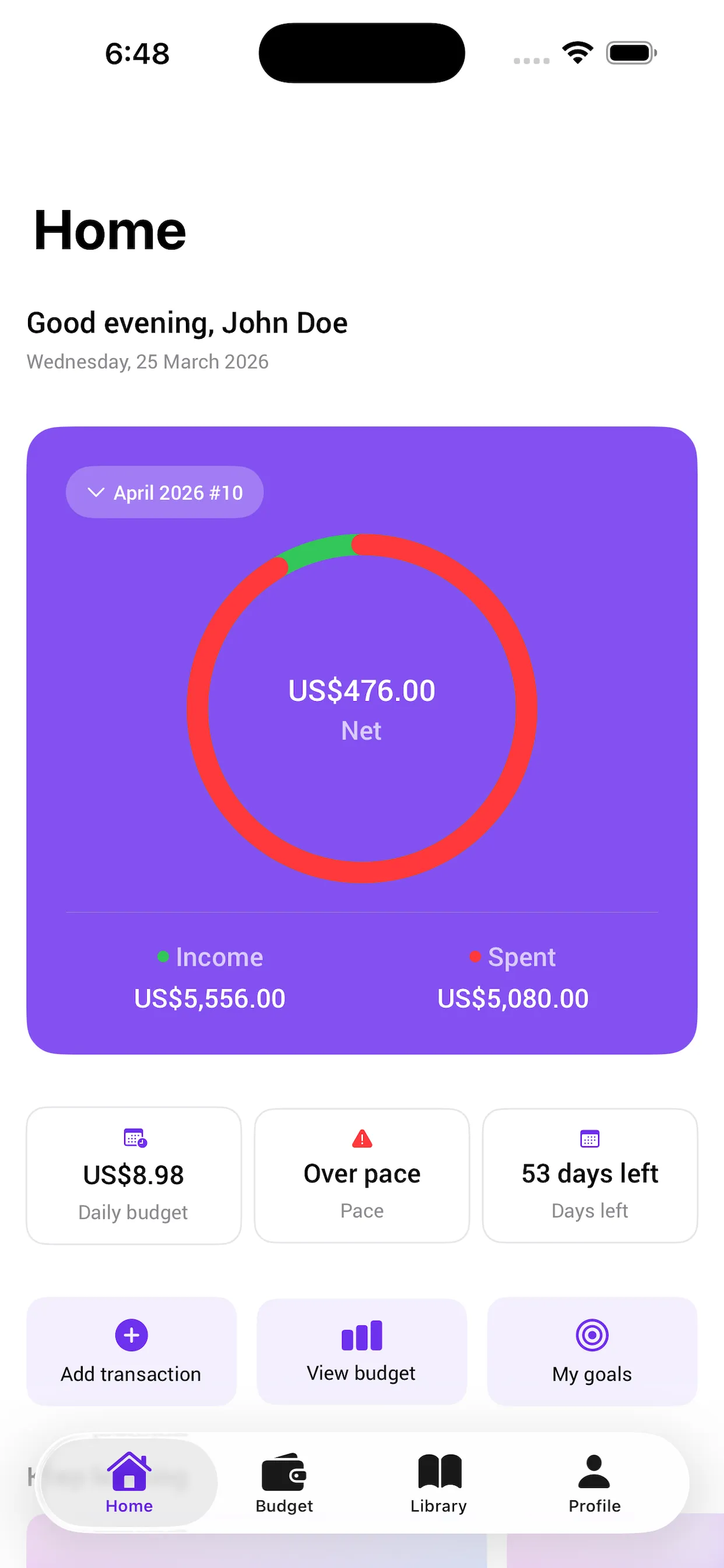
If you’ve ever reached the end of the month thinking:
“Where did my money go?”
You’re not alone.
Most people try to create a monthly budget and give up. Not because they don’t care, but because the process feels complicated or hard to maintain.
In this guide, you’ll learn how to create a monthly budget step by step, and how tools like Finolid can make the process much easier.
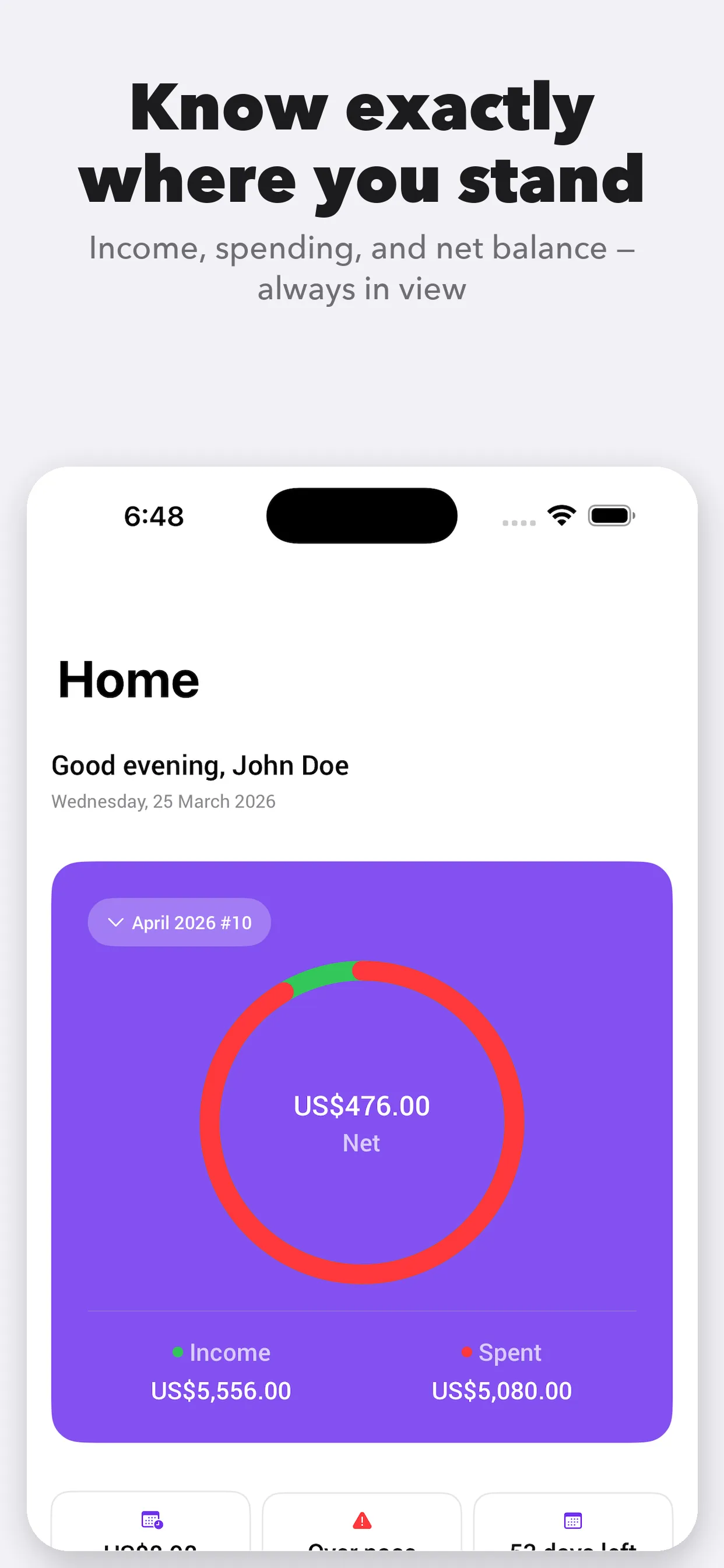
Want a simpler way to manage your budget?
Available on iPhone and iPad (iOS 17+)

Why Most Monthly Budgets Fail
Before building a budget that works, it’s important to understand why most don’t:
- Too complex to maintain
- No real-time visibility
- Reset every month without continuity
- Don’t match real spending behavior
A good budget should be simple, clear, and easy to follow daily.
Step-by-Step: How to Create a Monthly Budget
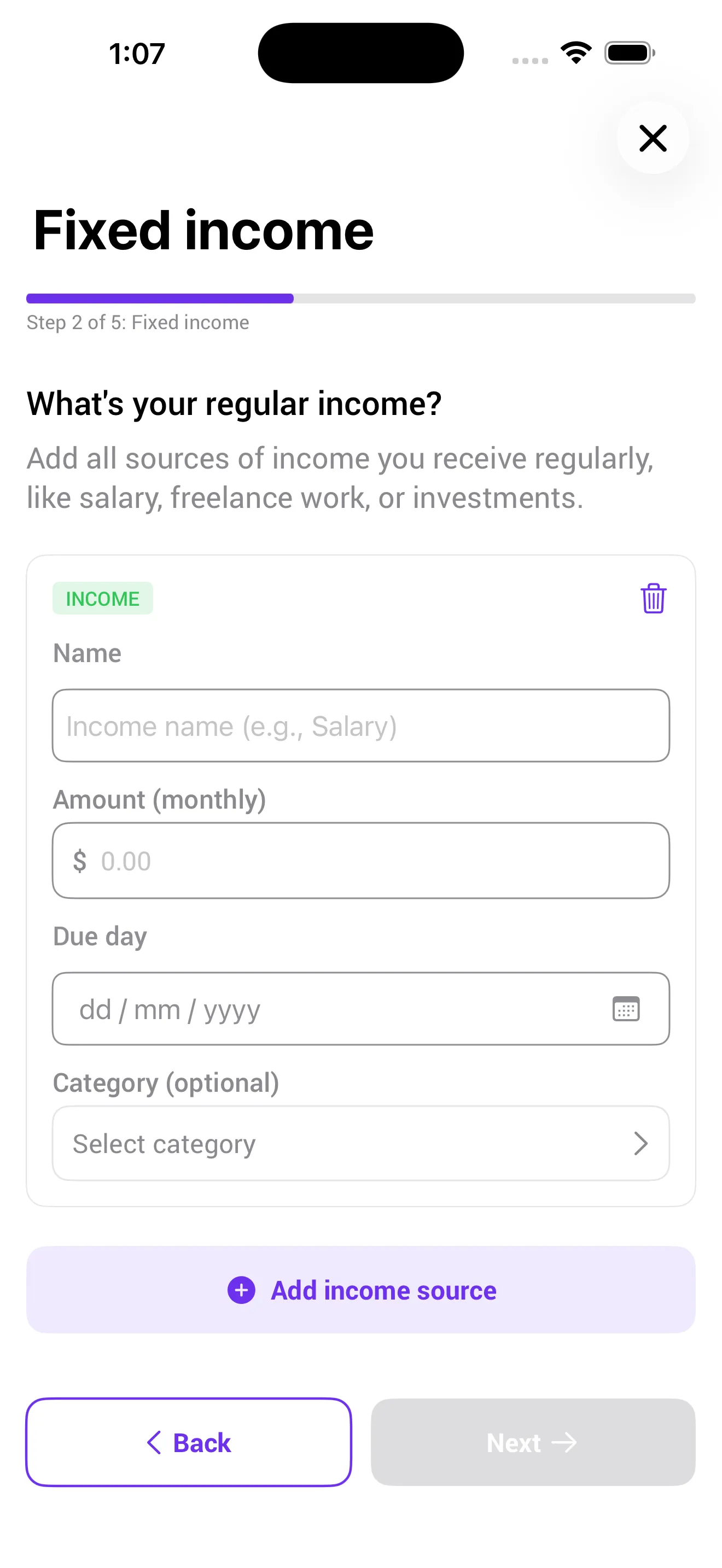
Step 1 - List All Your Income
Include:
- Salary
- Freelance or side income
- Any additional cash flow
If your income varies, use a conservative estimate.
Step 2 - Identify Your Fixed Expenses
These include:
- Rent or mortgage
- Utilities
- Subscriptions
- Insurance
- Loan payments
This defines your minimum monthly spending.
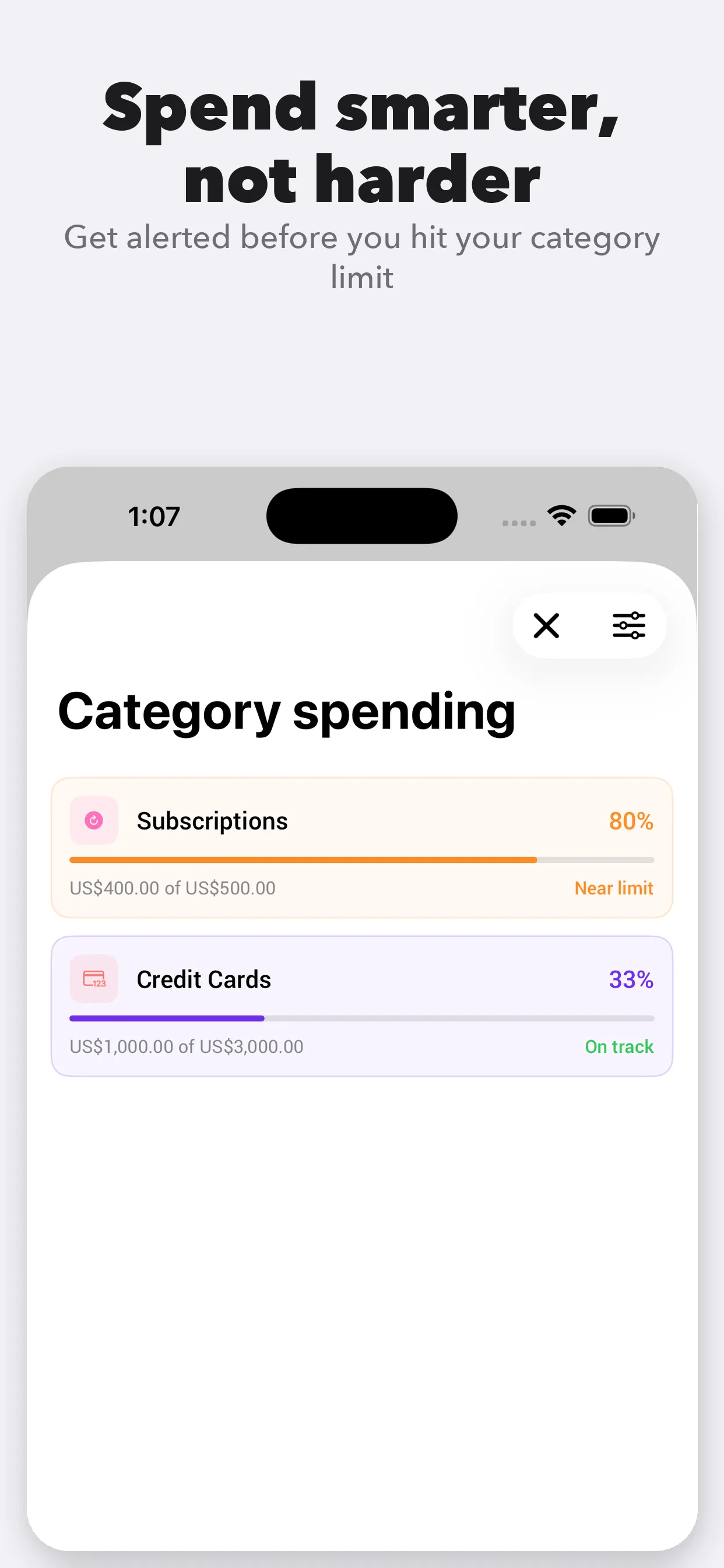
Step 3 - Set Spending Limits by Category
Divide remaining money into categories like:
- Groceries
- Dining out
- Transportation
- Entertainment
👉 Keep it simple. Too many categories make your budget harder to maintain.
Step 4 -Track Your Expenses in Real Time
This is where most budgets fail.
If you don’t track consistently, your budget becomes inaccurate very quickly.
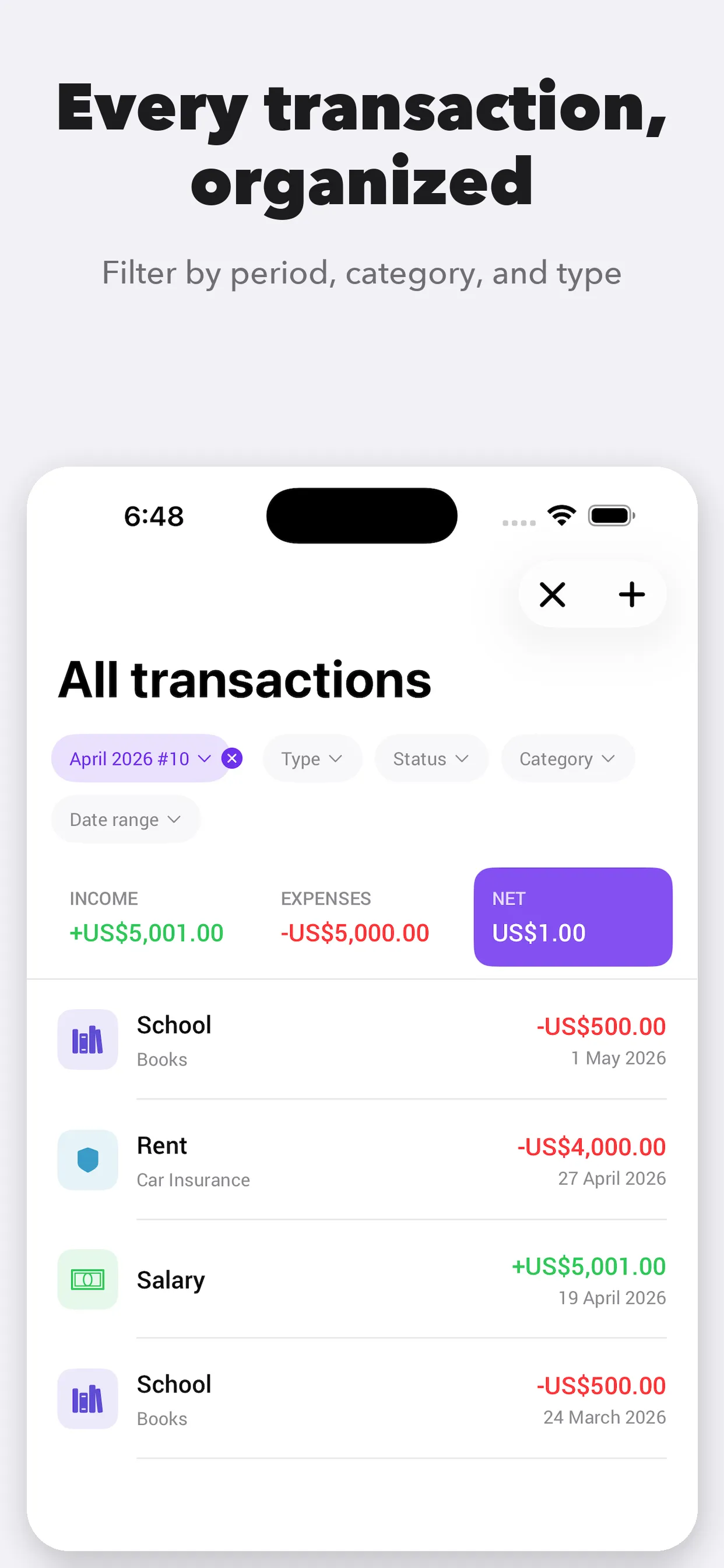
Using an app like Finolid helps because you can:
- Log transactions in seconds
- Automatically update your remaining budget
- See how much you have left before spending
This real-time visibility is what turns a budget into a habit.
Step 5 - Review and Adjust Every Month
At the end of the month:
- Identify overspending
- Adjust category limits
- Improve gradually
Consistency matters more than perfection.
Why Use Finolid for Budgeting?
Creating a budget manually works, but it’s hard to maintain.
Finolid simplifies the process by combining:
- Simple category-based budgeting
- Real-time expense tracking
- Clear view of remaining money
- Built-in financial education
It’s designed to be simple enough for beginners, but structured enough to actually improve your financial habits over time.
Start Your Budget with Finolid
You don’t need a perfect system, just a simple one you can follow.
👉 Download Finolid and set up your first budget in minutes
Frequently Asked Questions
What is the easiest way to create a monthly budget?
Start simple: track income, list fixed expenses, and set basic category limits.
Can I create a budget without an app?
Yes, but apps like Finolid reduce friction and make it easier to stay consistent.
Is Finolid good for beginners?
Yes, it’s designed to be simple, intuitive, and easy to use from day one.